
The right manual, on the machine, in one tap
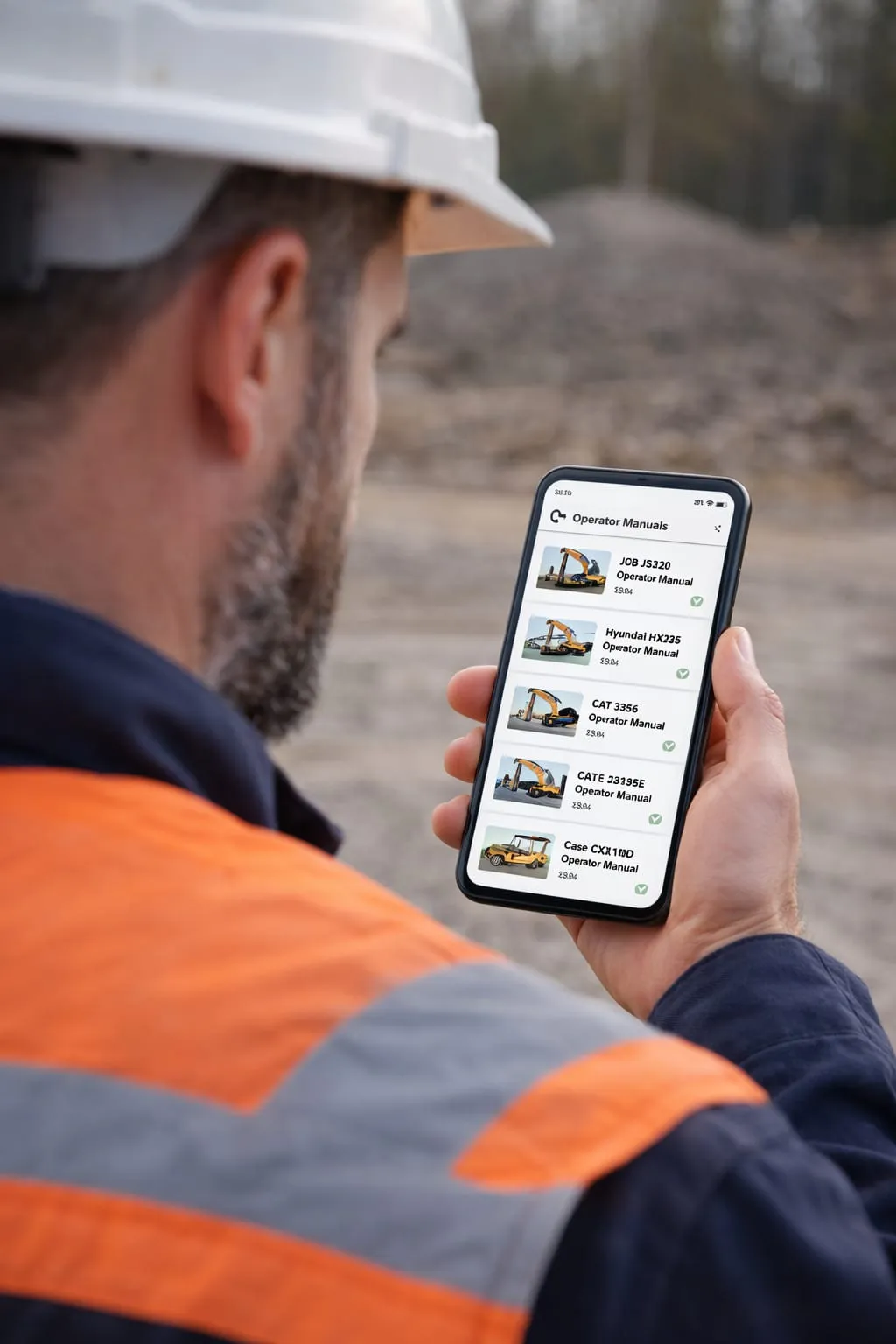
Operators stop guessing and stop walking back to the site office. An NFC tag on the machine opens the correct operator manual on their own phone, with nothing to install and nothing to search for.
- No app to install
- One tag per machine
- Always the current version
- Works on the operator's own phone
Priced on the number of machines and manuals. Ask and we will tell you.
Already used by transport, construction and plant operators across Ireland






Nobody reads a manual they cannot reach
Operator manuals are written to be consulted at the machine. In practice they live in a folder in a site office, in the cab of something else, or in a shared drive that requires a laptop and a password. So when an operator has a question, the realistic options are to guess, to ask whoever is nearest, or to stop work.
Moving the manual onto the machine changes the economics of asking. If the correct document is one tap away on a phone the operator is already holding, checking becomes the path of least resistance instead of the inconvenient option.
Four steps, and the operator only does one
- 01
Tag each machine
An NFC tag is fitted to the machine and linked to the manual and documentation for that exact model.
- 02
The operator taps it
A tap with any NFC-capable phone opens the manual in the browser. No app, no account, no model number to look up.
- 03
They get the right document
Because the tag is on the machine, the operator cannot end up reading the manual for a different model.
- 04
You update it centrally
The manual is held online, so replacing it updates what every operator sees the next time they tap.
Same documentation. Reachable this time.
Printed manuals
- The manual is in a folder in the site office, or in the cab of another machine.
- Nobody is sure whether the printed copy is the current version.
- An operator guesses rather than walking back for the manual.
- Updating a manual means reprinting and distributing across sites.
- Paper copies get wet, lost or thrown out.
NFC operator manuals
- The manual is on the machine, one tap away.
- The current version is the only version an operator can reach.
- Checking takes seconds, so people actually check.
- Updating it once updates it everywhere.
- Nothing to damage or replace.
Documentation that keeps up with the fleet
-
The right manual, first time
The tag is physically attached to the machine, so there is no ambiguity about which document belongs to which item of plant.
-
Nothing to install
The manual opens in the phone browser. An agency operator on their first morning gets to it as easily as your own staff.
-
Less downtime
An operator who can find the answer in seconds does not stand idle waiting for somebody who knows the machine.
-
Central updates
Documents are managed in one place rather than as printed copies scattered across vans, cabs and site offices.
-
Designed for site use
Built for people wearing gloves, standing next to a running machine, who want one specific answer.
-
Shares tags with your checks
If you already run GA2 weekly checks with Check Go, the same tag on the machine can serve both purposes.
One tag on the machine, two jobs done
If you are already recording GA2 weekly checks with Check Go, the tag fitted to a machine can serve the operator who needs the manual and the person completing the weekly examination.
- One tag to fit No second sticker, no second system, no second thing to explain.
- One account to manage Machines, manuals and examination records in the same place.
- One habit for operators Tap the machine. Whatever they need is behind that tap.
One tag on the machine
- ManualOpens the operator manual
- GA2 checkRecords the weekly examination
- ManagementSees both in the dashboard
Priced on your operation
NFC operator manuals is quoted rather than sold off a list, because the right price depends on how you work. Tell us the basics and we will come back with a straight number, usually the same day.
- How many machines need tagging
- How many distinct manuals and documents are involved
- Whether you are also recording GA2 weekly checks on those machines
- Whether you want documentation beyond the manual on the same tag
Get a price
Request pricing +353 91 641 694No obligation and no sales sequence. A price and a straight answer.
Operator manual questions
What plant and machinery operators ask about this.
How do operators open the manual for a machine?
The operator taps the NFC tag fitted to the machine with their phone and the manual for that specific machine opens immediately. There is no searching, no scrolling through a folder of PDFs and no need to know the model number.
Does this need an app or a login?
No. Tapping the tag opens the manual in the phone's browser, so an operator who has never used the system before can get to the right document on their first attempt.
What happens when a manual is updated?
The manual is held online rather than printed, so updating the document updates what every operator sees the next time they tap the tag. There is no need to collect and replace paper copies across sites.
Can operator manuals sit alongside our GA2 checks?
Yes. Operator manuals and GA2 weekly checks can run on the same account, so the tag on a machine can serve both the operator who needs the manual and the person completing the weekly examination.
What does it cost?
NFC operator manuals are quoted based on the number of machines and manuals involved. Get in touch and we will come back with a price.
Other ways operators use Check Go
- Transport fleets
Driver Walkaround Checks
Drivers tap an NFC tag on the vehicle and complete the daily check on their own phone. No app to install.
Explore - Construction plant
GA2 Weekly Checks
Contactless GA2 weekly checks for lifting equipment on construction sites, recorded digitally at the machine.
Explore - Vehicles & assets
GPS Tracking
Live vehicle and asset location in the same dashboard as your inspection records, with worldwide coverage.
Explore
Get your machines tagged
Tell us how many machines and manuals you are dealing with and we will come back with a price.
- No credit card required
- No setup fee
- No sales call required
- NFC vehicle tags included